What actually happens in a TLS handshake, shown with openssl s_client
Watch a real TLS 1.3 handshake message by message with openssl s_client: the key shares, the certificate chain, CertificateVerify, Finished, and the verify codes you'll see when it goes wrong.
The OpsPath team
5 min readsecuritytlsopensslnetworking
Every HTTPS request starts with a few messages most engineers never see. They decide which keys encrypt the connection, prove the server is who it claims to be, and make sure nobody in the middle changed anything. When those messages go wrong, you get the errors that page people at night.
You can watch them directly. openssl s_client is a TLS client that shows its work, and it's already installed on almost every Linux box and Mac. Every output below comes from a real handshake in the OpsPath sandbox: an openssl s_server on 127.0.0.1:8443 serving a certificate for app.internal, issued by a small private CA.
The one-line health check
openssl s_client -connect 127.0.0.1:8443 -servername app.internal \
  -CAfile root.pem -verify_hostname app.internal -brief </dev/null
CONNECTION ESTABLISHED
Protocol version: TLSv1.3
Ciphersuite: TLS_AES_256_GCM_SHA384
Peer certificate: CN = app.internal
Hash used: SHA256
Signature type: ECDSA
Verification: OK
Verified peername: app.internal
Server Temp Key: X25519, 253 bits
DONE
A few flags do most of the work:
-servernamesends SNI, the hostname you want. Load balancers use it to pick a certificate, so leaving it out is a classic way to get the wrong cert back.-CAfileis the trust store to verify against. Leave it out for the system store.-verify_hostnamechecks the certificate's SANs against a name.</dev/nullsends nothing, so s_client disconnects right after the handshake instead of waiting for you to type.
Against a real site it's the same command with -connect example.com:443 -servername example.com.
The handshake, message by message
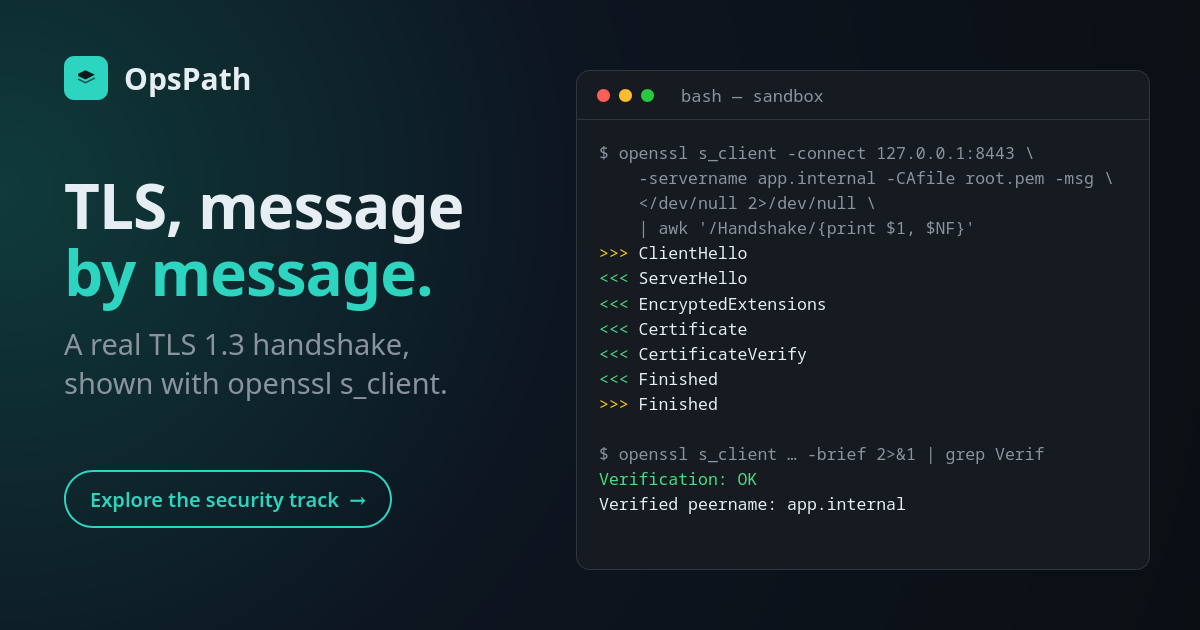
Add -msg and s_client prints every protocol message it sends (>>>) and receives (<<<). Keeping just the handshake messages:
>>> TLS 1.3, Handshake [length 0139], ClientHello
<<< TLS 1.3, Handshake [length 007a], ServerHello
<<< TLS 1.3, Handshake [length 0006], EncryptedExtensions
<<< TLS 1.3, Handshake [length 0395], Certificate
<<< TLS 1.3, Handshake [length 004f], CertificateVerify
<<< TLS 1.3, Handshake [length 0034], Finished
>>> TLS 1.3, Handshake [length 0034], Finished
That's the whole TLS 1.3 handshake: one round trip.
ClientHello. The client lists the TLS versions and cipher suites it supports, the hostname (SNI), the application protocols it can speak (ALPN, e.g. h2), and, crucially, a key share: a freshly generated, ephemeral Diffie-Hellman public key. Here it's X25519.
ServerHello. The server picks a suite and sends its own ephemeral key share. Both sides can now compute the same secret (ECDHE). Everything after this message is encrypted, including the certificate. In TLS 1.2 the certificate travelled in the clear.
EncryptedExtensions. The rest of the server's choices, such as the negotiated ALPN protocol.
Certificate. The server's certificate plus its intermediates. More on the chain below.
CertificateVerify. The server signs a hash of the handshake so far with its certificate's private key. This is the moment the server proves it holds the key, not just a copy of a public certificate.
Finished (both directions). A MAC over the entire transcript. If anyone in the path altered a message, for example to downgrade the cipher choice, the MACs won't match and the connection fails.
Forward secrecy
The certificate's private key only ever signs. The session keys come from the ephemeral key shares, which are thrown away after the handshake. So an attacker who records your traffic today and steals the server's private key next year still can't decrypt it. That property, forward secrecy, is mandatory in TLS 1.3.
The chain the server sends
Without -brief, s_client lists the certificates the server presented:
 0 s:CN = app.internal
   i:CN = OpsPath Lab Intermediate CA
 1 s:CN = OpsPath Lab Intermediate CA
   i:CN = OpsPath Lab Root CA
Verify return code: 0 (ok)
Depth 0 is the leaf (s: subject, i: issuer). Depth 1 is the intermediate that signed it. The root isn't sent: the client already has it in its trust store, and a root supplied by the server would prove nothing. The client checks each signature up the chain until it reaches something it trusts.
TLS 1.2, for comparison
Force the older version with -tls1_2:
Protocol version: TLSv1.2
Ciphersuite: ECDHE-ECDSA-AES256-GCM-SHA384
TLS 1.2 suite names spell out everything: key exchange (ECDHE), authentication (ECDSA), cipher (AES-256-GCM) and hash. TLS 1.3 names like TLS_AES_256_GCM_SHA384 list only the cipher and hash, because the key exchange is always ephemeral and the certificate does the authenticating. TLS 1.2 also takes two round trips instead of one.
When it fails: read the verify code
s_client always finishes the connection and then reports what verification found, so it shows you the server's real certificate even when something's wrong. The Verify return code line tells you which thing:
| Verify return code | What it means | Usual fix |
|---|---|---|
10 (certificate has expired) | past the certificate's notAfter | renew, and automate renewal |
9 (certificate is not yet valid) | before notBefore, often a clock problem | check NTP |
62 (hostname mismatch) | the name isn't in the SANs | reissue with the right SANs |
21 (unable to verify the first certificate) | the server sent its leaf without the intermediate | serve the full chain |
18 (self-signed certificate) | not issued by anything you trust | trust the right CA, or deploy the real cert |
Pipe s_client into openssl x509 -noout -subject -issuer -dates -ext subjectAltName to read the certificate the server actually served. And whatever the error, curl -k isn't a fix: it switches off the part of TLS that proves who you're talking to.
Learn it hands-on
The TLS module of the Security Essentials: JWT, TLS & SSH track goes through all of this with real tools in your browser:
- read certificates field by field
- build your own root and intermediate CA
- run this exact handshake with SNI and ALPN
- diagnose six deliberately broken servers
- finish with mutual TLS, a CRL your server enforces, and a live OCSP responder
The track starts free with encoding, hashing, HMAC and encryption, the building blocks every handshake above relies on.